

AutoMAX
Automatic measurement data evaluation – fast, reproducible and without programming
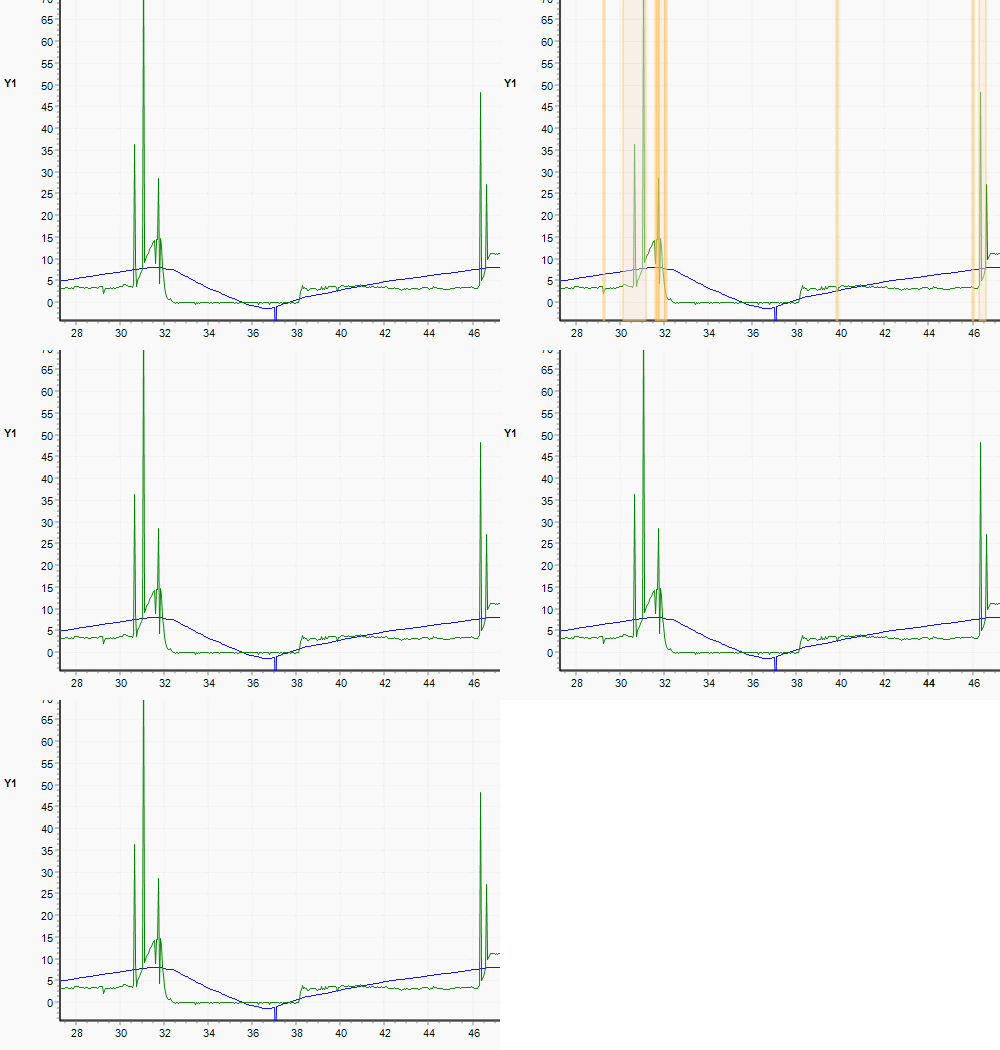
Complete time-consuming evaluation tasks in the shortest time
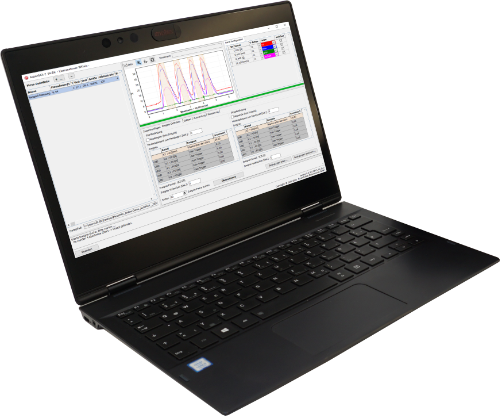
AutoMAX is the software for automatic evaluation of measurement data. Even large or multiple measurement files can be processed in a single step. All 4 functional modules operate independently of each other and can be used individually as required – ideal for measurement files from MessMAX®.
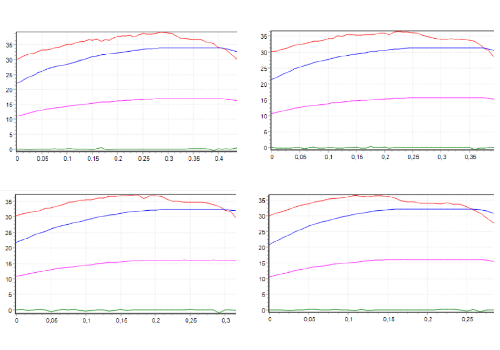
Extract selected ranges from measurement files
The Split module enables the targeted extraction of measurement ranges from an existing measurement file and the creation of individual output files per range.
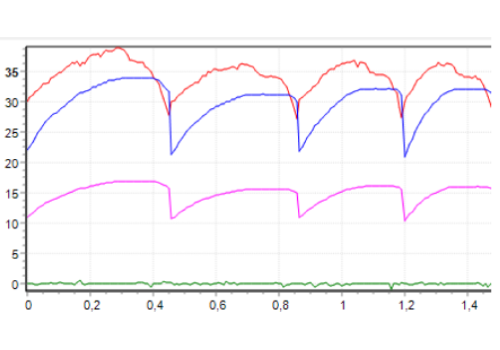
Combine multiple measurements into one file
The Merge module allows combining multiple individual measurements or evaluation ranges into a common measurement file.
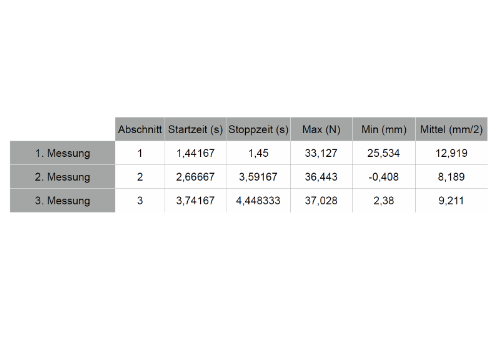
Fully automatic creation of evaluation tables
The Evaluate module evaluates measurements fully automatically and creates a structured evaluation table based on defined selection conditions.
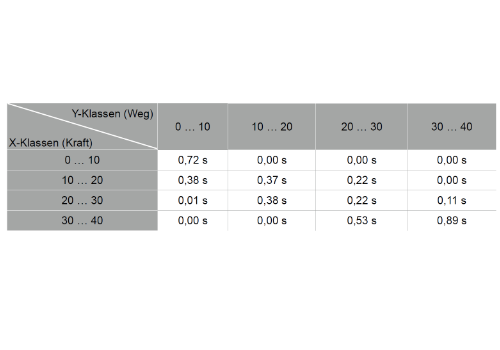
Determine operating states and frequency distributions
The Classify module divides one or two measurement channels via X/Y into classes and automatically creates an evaluation table to determine the correspondence of several measured variables.
System requirements and versions
AutoMAX runs on Windows 10 and Windows 11 and requires MessMAX® from version 3.10.40.
| Overview | |
| Available versions | AutoMAX Base Version / 4 separately available functional modules |
| System Requirements | |
| Processor | Minimum: Intel® Pentium® (from Braswell) or similar / Recommended: Intel® Core™ i5 or similar |
| RAM | Minimum 2 GB / Recommended 4 GB |
| Operating system |
Microsoft® Windows® 10 (Build 21H1, 21H2, 22H2 and later) Microsoft® Windows® 11 (Build 21H2, 22H2, 23H2 and later) ▶ Windows® on ARM is currently not supported
|
| MessMAX® Requirement | |
| MessMAX® from version | V 3.10.40 |
We advise you personally – no hold music, directly from the manufacturer.
